
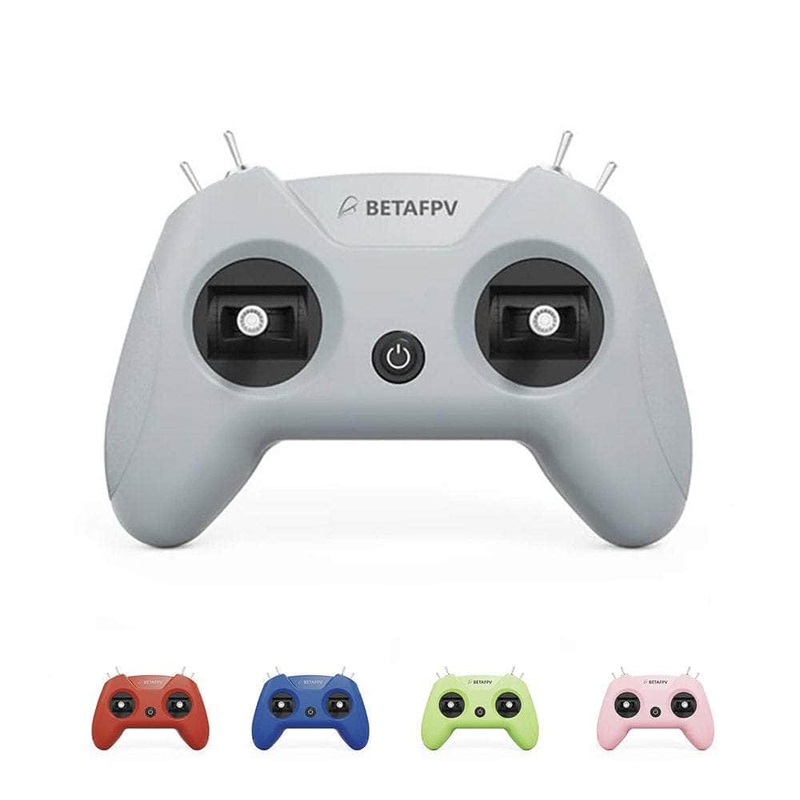
BETAFPV LiteRadio 2 SIM Controller (Mode 2) Crimson Red
Original price was: $35.00.$21.00Current price is: $21.00.
Description
The BETAFPV LiteRadio 2 SIM Controller (Mode 2) was engineered exclusively for simulator training. The LiteRadio 2 SIM Controller delivers an authentic FPV flight feel without real-world risks. Unlock universal compatibility across every major simulator platform from DRL and VelociDrone to DJI Virtual Flight and Phoenix RC through its triple-mode connectivity (Joystick/Xbox/Dongle). Customize your setup with vibrant color options. The front-facing Type-C port ensures tangle-free connections to PCs, tablets or mobiles, while BETAFPV Configurator support keeps firmware updated with one click. LiteRadio 2 SIM, your ultimate sim companion!
Note: This is not a radio controller and cannot be used to fly drones outside of simulation programs. This controller is for simulation training only.
Check out ourRC Transmittersand all ourBetaFPV products!
Features
- Triple-Mode Sim Access: Practice on every major FPV simulator
- 6 Vibrant Colors + Mode 2: Express your style with Light Gray, Crimson Red, Dark Blue, Light Cyan, Lime Green, and Pink
- Plug & Play Convenience: Front-mounted Type-C for hassle-free connection and play
- Engineered for Effortless Mastery: BETAFPV’s latest gimbal & LiteRadio system for precise simulator response
- Future-Proof Performance: Seamless firmware upgrades via BETAFPV Configurator for new sims and features
Specifications
- Item: BETAFPV LiteRadio 2 SIM Controller (Mode 2)
- Channel: 8
- Gimbal: Potentiometer Gimbal
- Operating Power: 30mA/5V
- Port: Type C
- Power Supply: USB cable connection
- Operating Temperature: -10 to 40 (14F to 104F)
- Weight: 150g
- Dimensions: 64.5mm x 115.3mm x 164.6mm
TRIPLE-MODE SIM ACCESS
The LiteRadio 2 SIM unlocks universal simulator compatibility across every major FPV and RC flight simulator on Windows/macOS/Android, providing a seamless cross-platform training experience for pilots at any skill level.
JOYSTICK MODE:VelociDrone, UNCRASHED, DRL, DCL, Liftoff, TRYP FPV, FeelFPV, FPV Freerider, RaceFly, and other FPV simulators on Steam.
- Connect LiteRadio 2 SIM to your PC/mobile/tablet using the Type-C cable.
- Recognized as “BETAFPV Joystick”.
XBOX MODE:Aerofly RC 8, DJI Virtual Flight
- Simultaneously move the left joystick to the lower right corner and the right joystick to the lower left corner.
- Connect LiteRadio 2 SIM to your device using the Type-C cable, then the indicator light flashes white rapidly 3 times, indicating it is in Xbox mode.
- Recognized as “BETAFPV Joystick”.
DONGLE MODE:Phoenix RC 6.0
- Simultaneously move the left joystick to the upper right corner and the right joystick to the upper left corner.
- Connect LiteRadio 2 SIM to your device using the Type-C cable, then the indicator light flashes blue rapidly 3 times, indicating it is in Dongle mode.
- Recognized as “BETAFPV Joystick”.
EXPRESS YOUR STYLE– Fly in Color
The LiteRadio 2 SIM lets you train in vibrant personality with 6 eye-catching color options: Light Gray, Crimson Red, Dark Blue, Light Cyan, Lime Green, and Pink. Mode 2 configurations in our best-selling Light Gray and Crimson Red editions to match your preferred grip style.
ENGINEERED FOR EFFORTLESS MASTERY
Featuring a front-mounted Type-C port that eliminates cable strain and enables true plug-and-play operation (connect fly within seconds), paired with LiteRadio’s pro-grade gimbal for pixel-perfect control. Perfect for beginners yet robust enough for advanced training, this controller transforms any desk into a high-performance simulator cockpit.
UPDATE VIA BETAFPV CONFIGURATOR
The LiteRadio 2 SIM Controller stays future-ready with updates via the BETAFPV Configurator, ensuring compatibility with new simulator releases and features. The BETAFPV Configurator is an open-source configuration tool tailored for BETAFPV drones and remote controls. It enables pilots to effortlessly configure and fine-tune various parameters, ensuring more efficient and optimized flight control.
Links
- LiteRadio 2 SIM Controller User Manual
- Firmware for LiteRadio 2 SIM Controller
- Update via BETAFPV Configurator
- BETAFPV Configurator Manual
Includes
- 1x BETAFPV LiteRadio 2 SIM Controller (Mode 2) – Choose Color
- 1x USB Type-C Cable
- 1x User Manual
Related products
-
Sale!

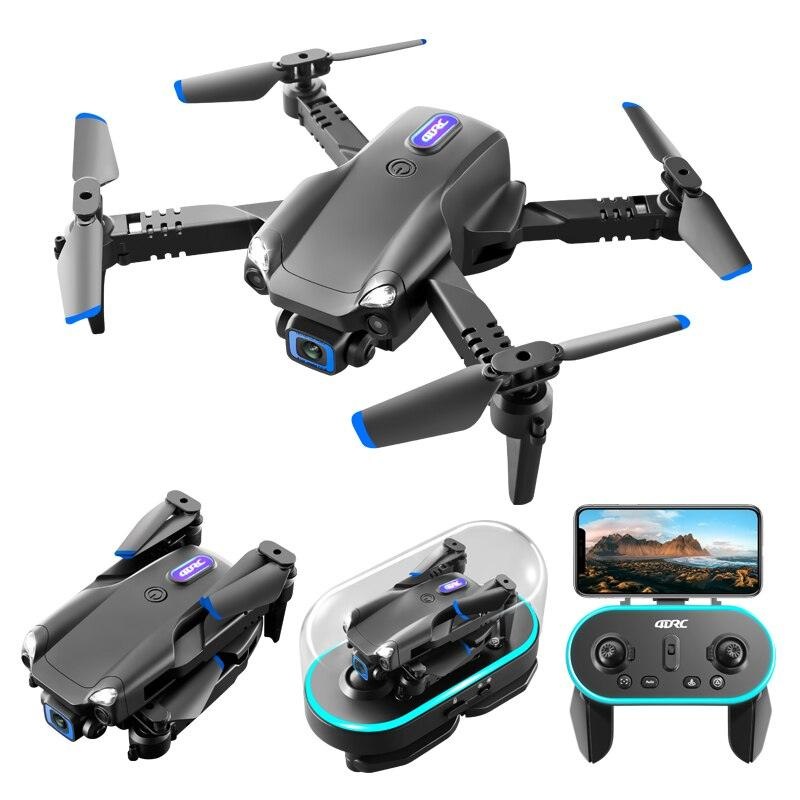
V20 Drone – New Mini Drone6K 4K HD Camera RC Helicopter Quadrocopter One-Key Return FPV Follow Me Foldable Quadcopter Gray Dual 6K 2B
Original price was: $58.22.$29.11Current price is: $29.11. Add to cart -
Sale!
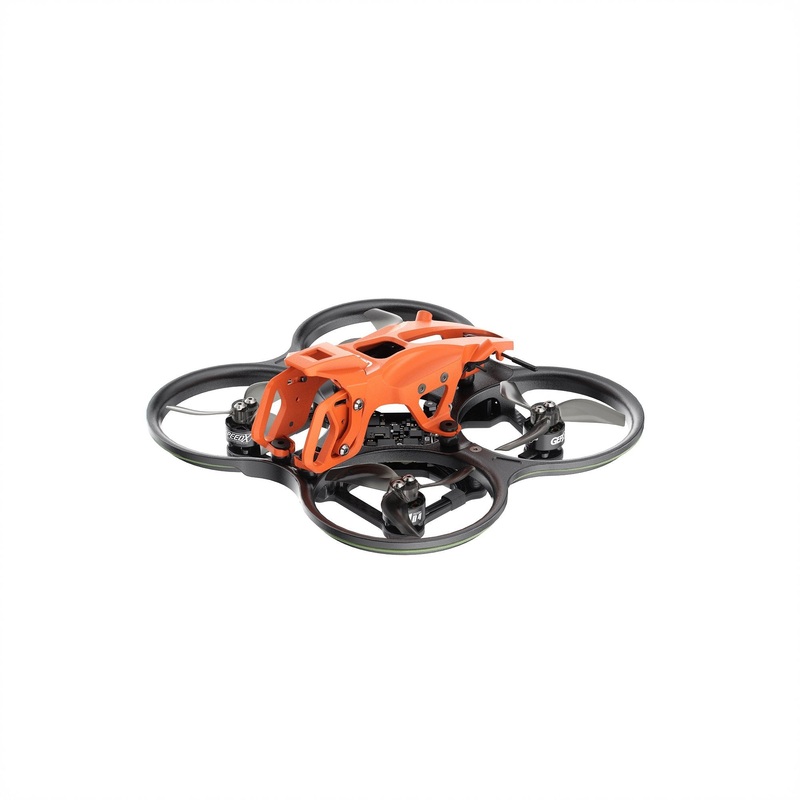
GEPRC DarkStar22 WTFPV CineWhoop FPV Drone (100mm), TAKER F405 20A ELRS2.4 2-4S AIO, 1104 7500KV
Original price was: $219.00.$109.50Current price is: $109.50. Add to cart -
Sale!
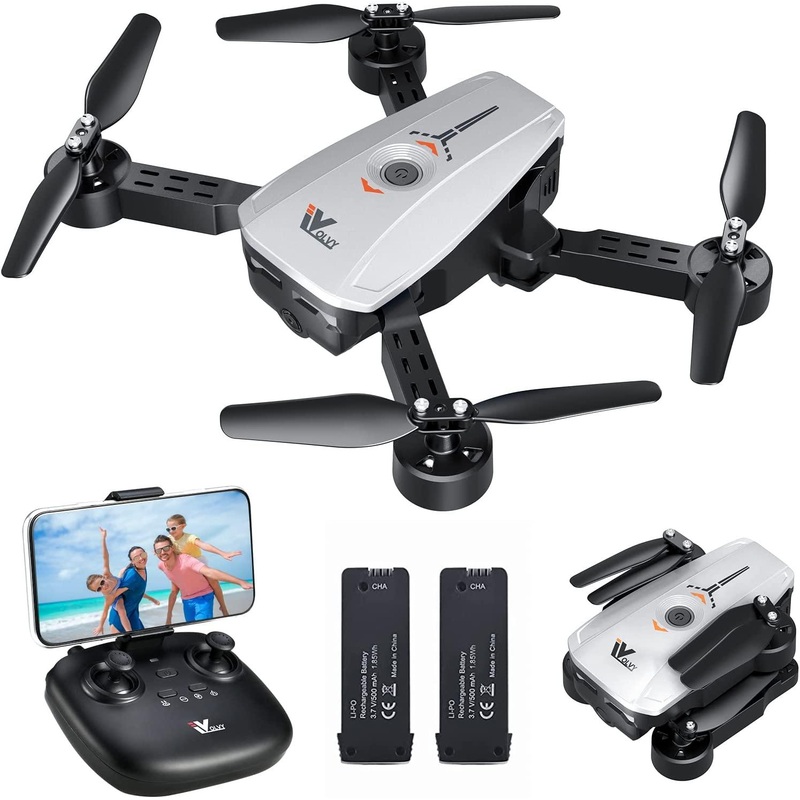
ATTOP X-Pack 3 Camera Drone – FPV Drone with Camera 1080P 164fts Range RC Drone with Voice/Gesture/Gravity Control Gift Ideas
Original price was: $79.99.$40.00Current price is: $40.00. Add to cart -
Sale!
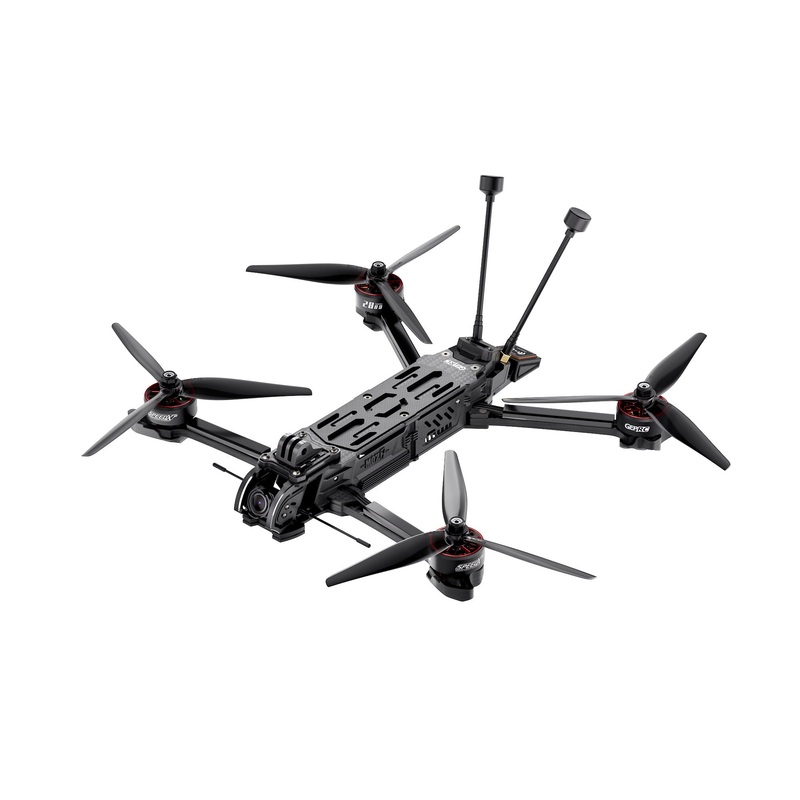
GEPRC MOZ7 HD – Wasp Long Range FPV 6S 1280KV 4K/120fps Built-in Bluetooth RC Quadcopter LongRange Freestyle Drone Rc Airplane GPS PNP
Original price was: $681.94.$145.00Current price is: $145.00. Add to cart
Reviews
There are no reviews yet.