
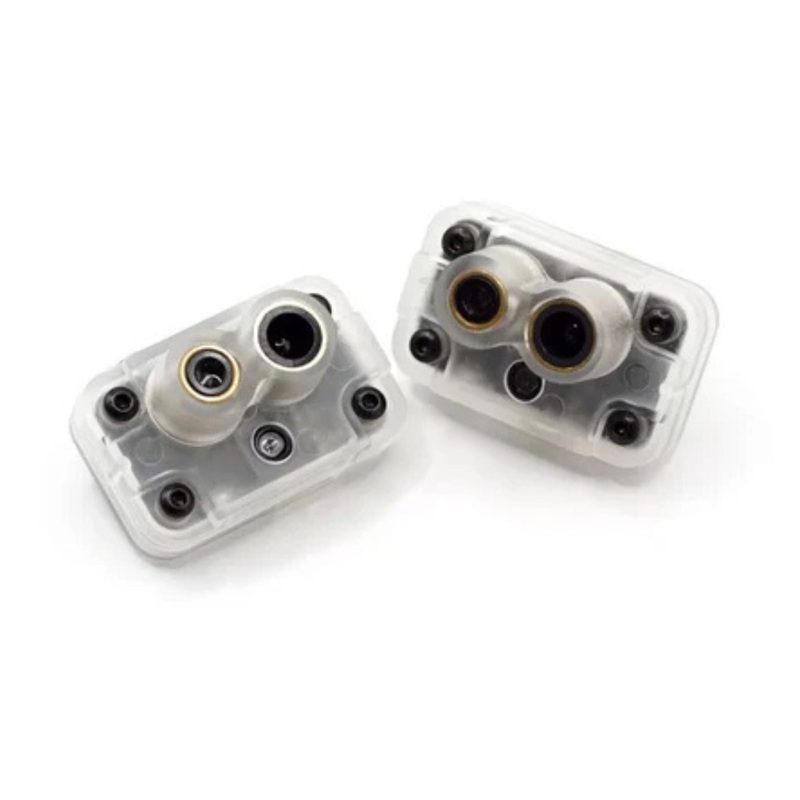
MicoAir MTF-01P Optical Flow & Range Sensor
Original price was: $5,168.99.$150.00Current price is: $150.00.
Description
Specifications
- Output Mode: UART 115200
- Output Interface: LVTTL (3.3V)
- Protocol: Micolink/Mavlink/MSP
- Output Rate: 100Hz
- Firmware Supported: Ardupilot/PX4/INAV/FMT
- TOF Range: 12m@90% reflectance/600Lux; 8m@90% reflectance/60KLux;
- Center Wavelength: 808nm
- Emitting Angle: 1.5
- Dead Zone: 2cm
- Ranging Accuracy: 2cm(0.1-2m@90% reflectance);2%(>2m@90% reflectance)
- Optical Flow FOV: 42
- Max Speed Measurement: 7m/s@1m height
- Ambient Light Demand of Optical Flow: >60Lux
- Optical Flow Working Distance: >8cm
- Light source: Laser
- Power Consumption: 500mW
- Supply voltage: 5V
Physical
- Mounting: 24.3 x 12mm, 2.5mm
- Dimensions: 33.2 x 20.8 x 16.8 mm
- Weight: 8g
MicoAssitant software can used to configure protocol or another parameter of MTF-01P.
When you dont have a USB-TTL module, you may refer to this tutorial:
Protocols
MTF-01 module integrated with multiple protocols include
- Micolinka custom protocol, that can support FMT
- MSPsupport INAV
- Mavlink_APMthe mavlink protocol that can support Ardupilot
- Mavlink_PX4the mavlink protocol that can support PX4
Step 1:
Configure the MTF-01 output protocol as mav_apm, by using MicoAssitant.
Step 2:
Connect the MTF-01 module to the serial port of the flight controller, such as Telem2 on pixhawk.
Step 3:
Configure these parameters in the Mission Planner
SERIALn_BAUD 115
SERIALn_OPTIONS 1024
SERIALn_PROTOCOL 1
FLOW_TYPE 5
RNGFND1_TYPE 10
n depends on which serial port the MTF-01 connected, for example, n=2 when it connect to Telem2.
Step 4:
After that, we need to reboot the flight controller or just refresh the parameters in Mission Planner.
And then these parameters need to be configured.
RNGFND1_MAX_CM 800
RNGFND1_MIN_CM 1
RNGFND1_ORIENT 25
When you complete the above steps, you should be able to observe the optical flow and range sensor data on the Mission Planners Status page. The opt_qua and rangefinder1 should have some value.
Step 5:
After the flight controller has recognized MTF-01, we need to perform some configurations so that the sensor data can be used in EKF fusion.
If you just need to use optical flow to fly indoors and dont consider using GPS outdoors, then you only need to configure EK3_SRC1.
AHRS_EKF_TYPE 3
EK3_SRC_OPTIONS 0
EK3_SRC1_POSXY 0
EK3_SRC1_POSZ 2
EK3_SRC1_VELXY 5
EK3_SRC1_VELZ 0
EK3_SRC1_YAW 1
But if you need to take into account both indoor and outdoor environments, then you may need to use a method that can switch the EK3 data source. Keep the EK3_SRC1 as default, and set EK3_SRC2 as follows.
AHRS_EKF_TYPE 3
EK3_SRC_OPTIONS 0
EK3_SRC2_POSXY 0
EK3_SRC2_POSZ 2
EK3_SRC2_VELXY 5
EK3_SRC2_VELZ 0
EK3_SRC2_YAW 1
Then set the RC6 channel to switch using optical flow as an EKF3 source.
RC6_OPTION 90
Now you can use RC6 channel to switch between using SRC1 or SRC2 as the data source of EK3.
When the RC6 value is in the low position, SRC1(GPS) will be used, and in the middle position, SRC2(Optical flow)will be use.
Step 6:
When all settings are completed, switch to loiter mode, unlock and take off.
Sometimes the flight controller may not be allowed to unlock in Loiter mode when the sensor is too close to the ground. You can unlock it in Althold mode and then switch to Loiter mode after taking off.
Setup Tutorial For INAV
Note:INAV 7.1.1 may have some bugs that can not work properly with the sensor. You need to upgrade to version 7.1.2 which have been tested well.
Setup Tutorial For PX4
PX4(1.11.x 1.13.x):
MAV_1_CONFIGTELEMn
(n depends on which serial port you connect to
Reboot the flight controller
MAV_1_MODENormal
SER_TELn_BAUD1152008N1
SENS_FLOW_ROTNo rotation
EKF2_AID_MASKuse optical flow
EKF2_RNG_AIDRange aid enable
EKF2_HGT_MODERange sensor
PX4(1.14 )
MAV_1_CONFIGTELEMn
(n depends on which serial port you connect to
Reboot the flight controller
MAV_1_MODENormal
SER_TELn_BAUD1152008N1
EKF2_OF_CTRLEnabled
EKF2_RNG_CTRLEnabled
EKF2_HGT_REFRange sensor
Reboot the flight controller
SENS_FLOW_ROTNo rotation
Related products
-
Sale!

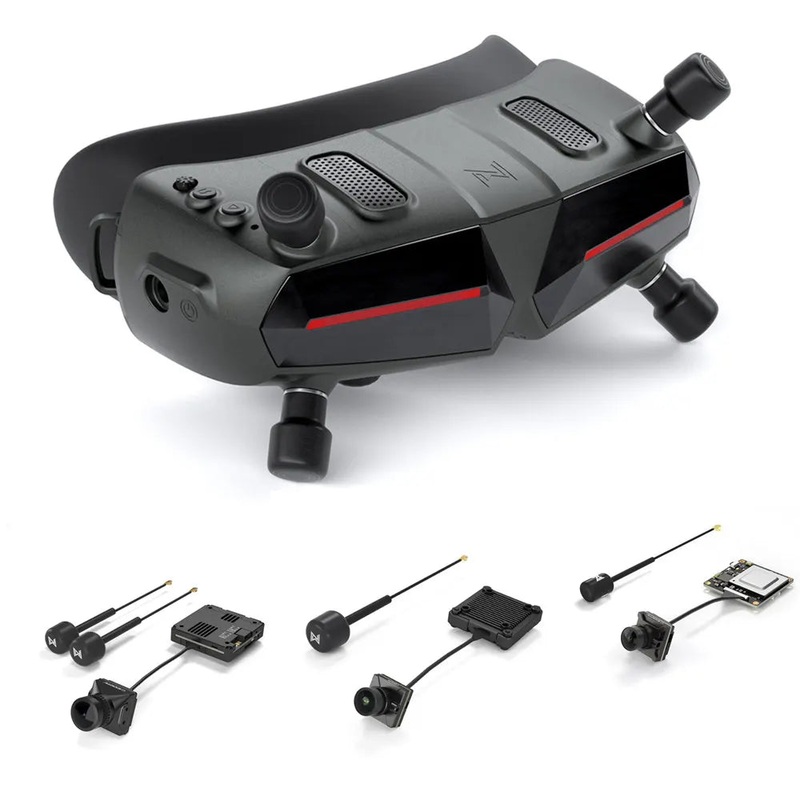
IFLIGHT Walksnail Avatar HD Goggles X with Avatar HD Kit V2 – / HD Pro Kit / HD Nano Kit V3 / HD Mini 1s Kit Combo Goggles X Only
Original price was: $521.65.$147.00Current price is: $147.00. Add to cart -
Sale!
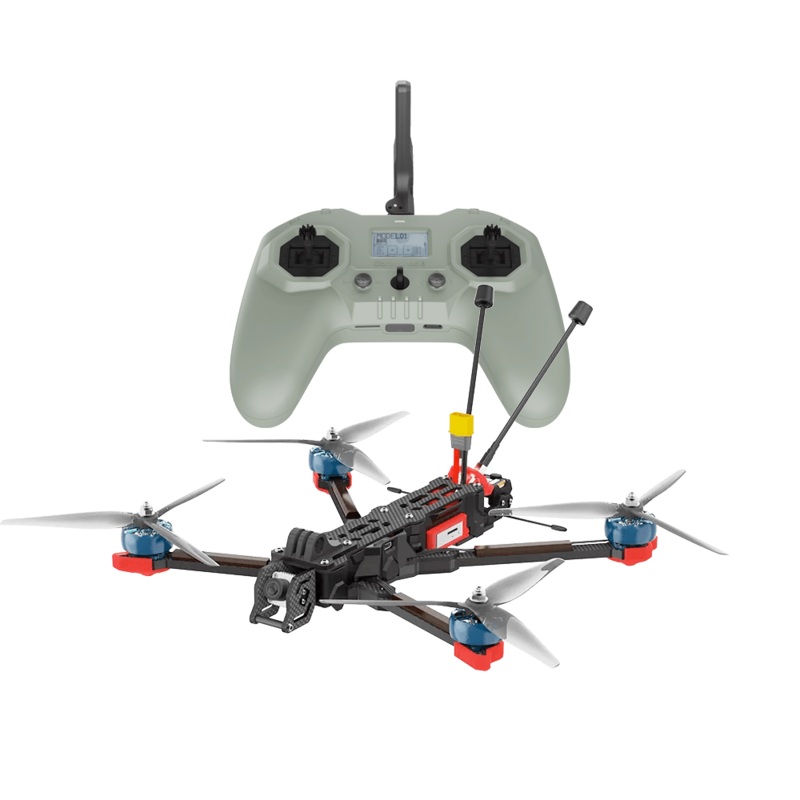
iFlight Chimera7 Pro HD 6S FPV Drone – BNF with RUNCAM LINK Wasp HD System / GPS + Commando 8 Radio Transmitter – ELRS for FPV ELRS 915MHz 1000mW
Original price was: $1,013.85.$146.00Current price is: $146.00. Add to cart -
Sale!
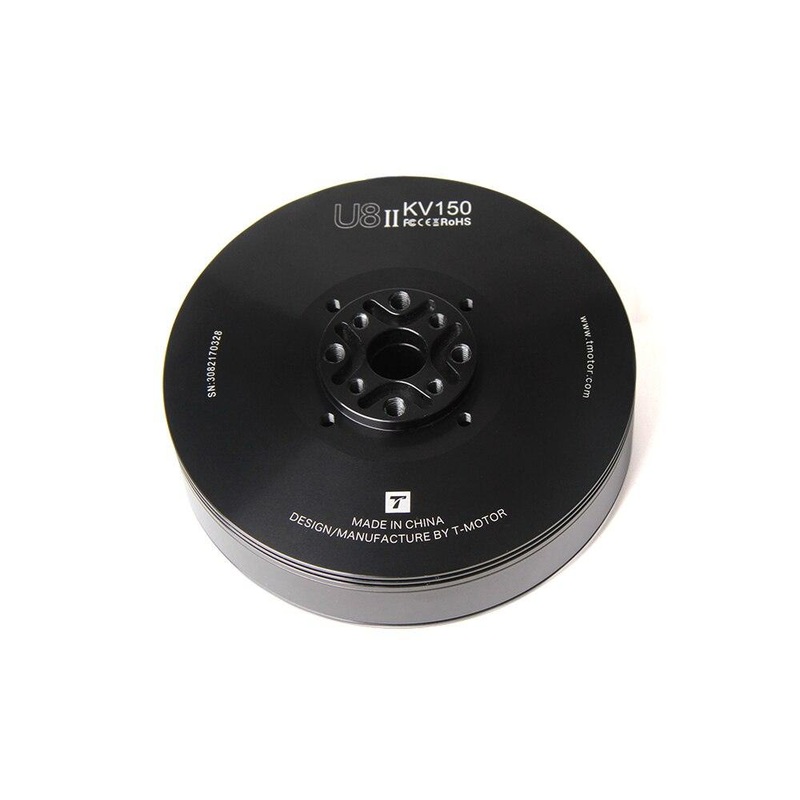
T-motor U8 II KV150 KV85 KV100 KV190 Brushless Motor 7KG Thrust For Hexacopter Quadcopter UAV RC long flight time Drone U8 II KV85
Original price was: $399.65.$150.00Current price is: $150.00. Add to cart -
Sale!
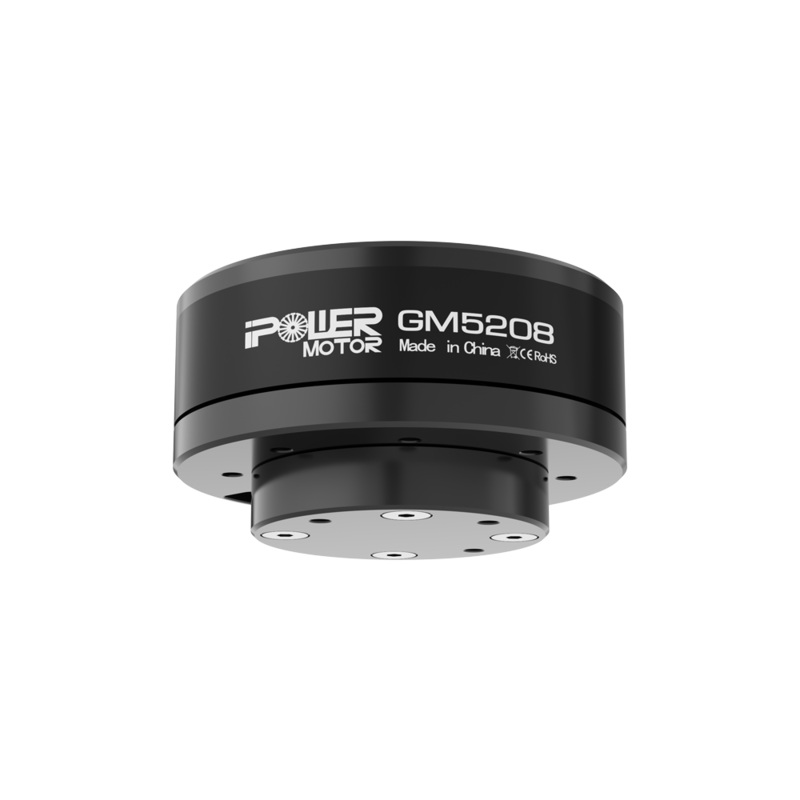
iFlight GM5208-12 Brushless Gimbal Motor with AS5048A Encoder, 12N14P, Hollow Shaft, 3-5S
Original price was: $79.84.$39.92Current price is: $39.92. Add to cart
Reviews
There are no reviews yet.